
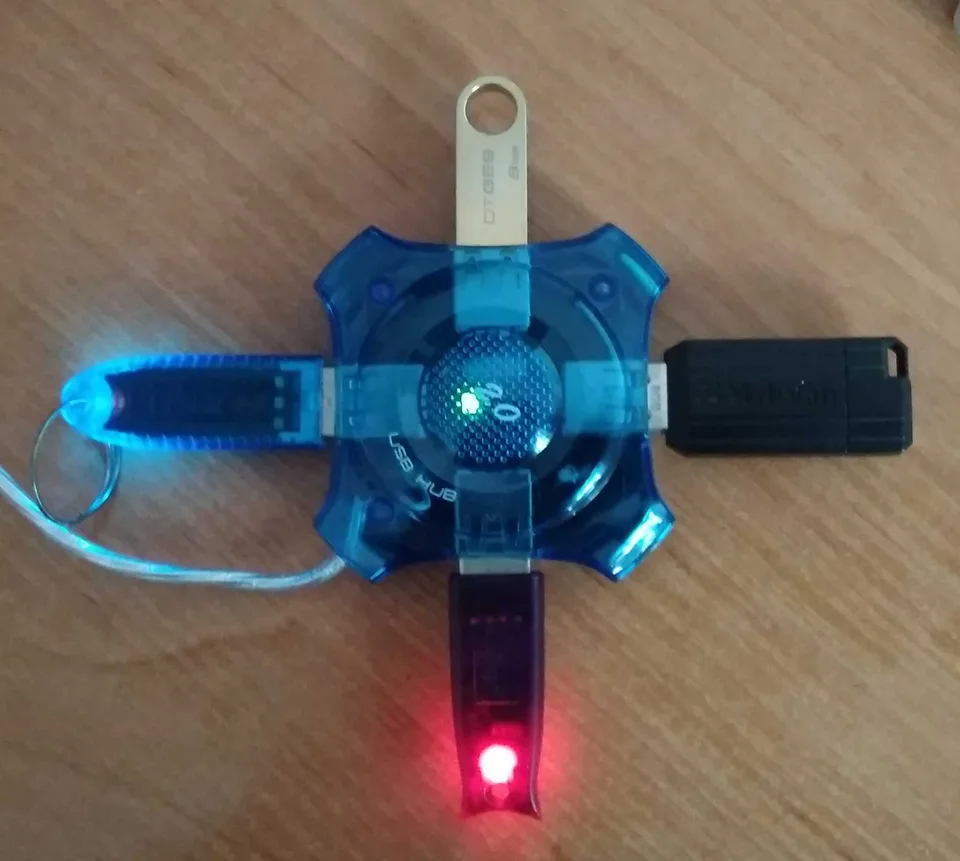

USB is a chain, not one universal driver
A USB host controller manages traffic from the computer through hubs and ports to attached devices. Windows supplies core USB support and many class drivers for common functions such as human-interface devices and storage. A webcam, network dongle, or specialist instrument can still need software for its own function. Installing a so-called USB driver cannot turn an unsupported peripheral into a supported one.
USB-C describes the connector shape, not the full set of signals or speeds available on a port. Charging power, USB data rate, video alternate modes, and other capabilities depend on the computer, cable, hub, and accessory. A device that charges over USB-C may have no working data connection.
Locate the failing point in the chain
Device Manager separates Universal Serial Bus controllers from many attached devices, which often appear under their function category. Expand the relevant item and inspect status and Hardware Ids; USB identifiers commonly include VID and PID. A hub or dock can fail to enumerate while another accessory on a different port works. Compare direct connection to connection through the hub, and note whether Windows reacts at all when the peripheral is attached.
When manufacturer software is relevant
Windows handles host controllers, hubs, and standard device classes for many systems. Platform-specific controller, dock, or accessory packages may be offered by the computer or device manufacturer. Use the exact model, device identifier, supported Windows version, and manufacturer's instructions to decide whether a package applies. A USB device's specialized function driver is not interchangeable with the host-controller driver, and a dock package does not create missing port capabilities.
What an installation cannot change
Software will not repair a bent connector, replace an inadequate power supply, add DisplayPort video to a data-only USB-C port, or make a charge-only cable carry data. Repeated disconnects can result from power, cabling, hubs, or the accessory itself. A port working with one small device does not prove it supplies enough power for an external drive or dock.
Test safely before touching the stack
Try the accessory directly in another known-good port and, if possible, a documented data-capable cable. For a powered hub or dock, verify its own power supply. Note exactly which devices fail, whether they appear in Device Manager, and any error code. Inspect the PC and accessory specifications for advertised USB-C functions. Only then compare official PC or peripheral support packages; do not uninstall every USB controller to troubleshoot one device, especially when your keyboard or recovery media depends on USB.