
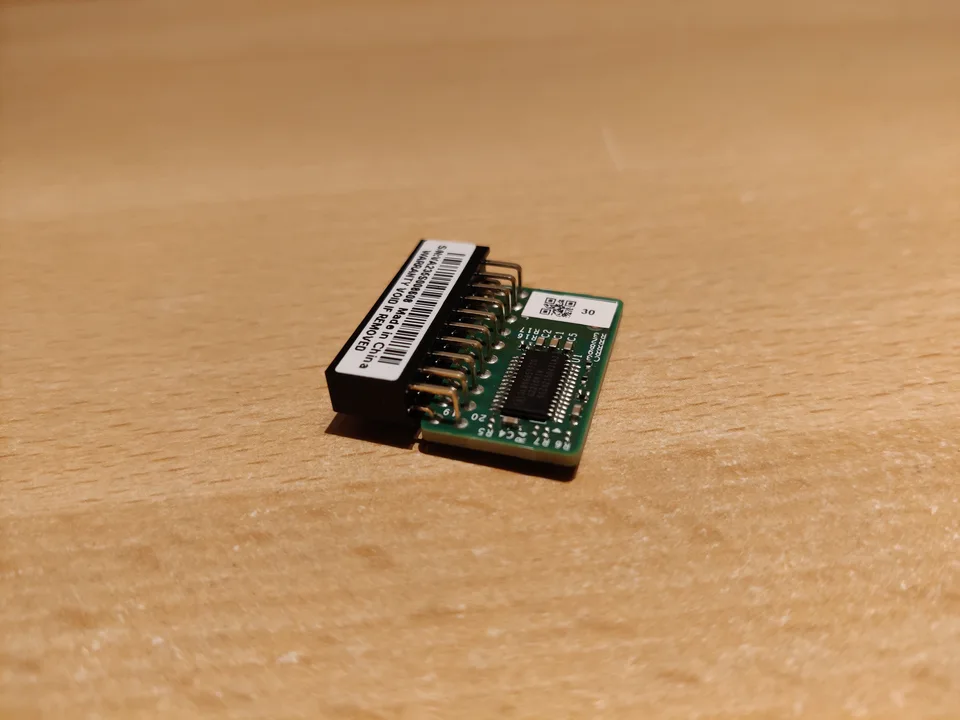

What the TPM actually protects
A Trusted Platform Module supports security operations involving protected keys and measurements of the boot environment. Depending on the PC, it can be a discrete chip or a firmware-based implementation. Windows may use it with device encryption, BitLocker, and sign-in protections. The TPM is not an ordinary peripheral whose usefulness is measured by the newest downloadable driver.
Its security state is linked to the machine's configuration. Altering firmware or security settings may cause an encrypted drive to request a recovery key even when the disk itself is healthy. That is why data access, not just device detection, belongs in any TPM troubleshooting plan.
Check recognition without changing security state
Open Windows Security → Device security to inspect available security-processor information, or run tpm.msc to view TPM status and specification version. Device Manager may show a Security devices entry. Record the exact error and whether the TPM is missing, unavailable, or merely reported differently by a particular application.
Check the PC manufacturer's model documentation to see whether the platform uses a firmware TPM and how it is named in UEFI settings. A missing Device Manager entry does not justify immediately enabling or resetting firmware options, especially on a managed or encrypted computer.
Windows integration and OEM firmware
Windows includes TPM integration; there is generally no standalone universal TPM driver to download as a routine update. A system maker might publish a platform-specific firmware or BIOS update for a documented security issue. That update is a different operation from replacing a Windows device driver and must be evaluated against the exact model and manufacturer's instructions.
On a workplace device, organizational policy may manage encryption and TPM ownership. Ask the administrator before firmware or security changes. For a personal device, check Windows Update and exact-model support notes, but do not infer that a generic driver site can repair a TPM security-state problem.
Do not clear the TPM as a driver fix
Clearing or resetting a TPM can invalidate keys used to unlock protected data or sign in. It does not repair a broken motherboard, provide a missing recovery key, or automatically resolve a firmware mismatch. Avoid clearing the TPM, disabling security features, or changing boot configuration simply because a dialog mentions the security processor.
Before any authorized firmware or security action, confirm that encryption recovery keys are saved and accessible through the appropriate Microsoft account, organization, or other configured escrow. Verify access to the key before proceeding, not after the machine prompts for it.
Safer next steps
Record the Windows security status and any error message, inspect the manufacturer's exact-model support and firmware guidance, and check whether encryption is active. If a change was recently made, document its timing without attempting repeated resets. A managed device should go to its administrator with the recorded status.
If encryption recovery is already requested, follow the authorized BitLocker recovery process and use the stored key. Do not format the drive or clear security hardware in the hope that a driver installer will restore access.