
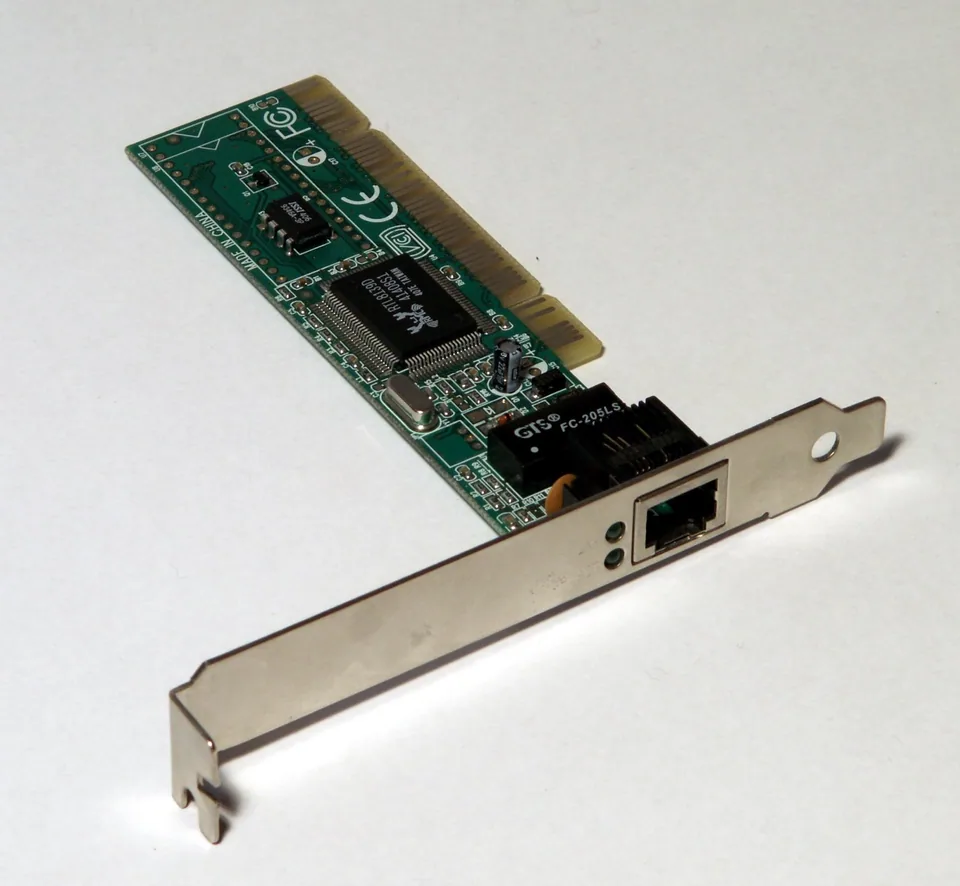


The adapter is not the entire network
A network adapter driver gives Windows a way to send and receive data through an Ethernet port or Wi-Fi radio. Windows then uses networking components above that driver to obtain an IP address, contact a gateway, resolve names through DNS, and reach internet services. A device can be correctly installed while those later stages fail. Conversely, a missing or faulting physical adapter can prevent any connection from starting.
Device Manager may also list virtual adapters created by VPN software, virtualization tools, or Windows features. Their presence is not evidence of extra physical network cards, and deleting them casually can interrupt the software that created them.
Find the interface with the actual symptom
Open Device Manager > Network adapters and record the relevant item's full name, status, Driver Provider, and Hardware Ids. Compare that entry with the interface shown in Settings > Network & internet: Wi-Fi and Ethernet are distinct paths. In a command prompt, ipconfig /all can show whether the active interface has an address, default gateway, and DNS servers. Treat a disconnected adapter differently from one that has an address but cannot resolve website names.
Windows support versus an OEM package
Windows includes networking components and can obtain many adapter drivers through Windows Update. An OEM package can provide hardware-specific support for a particular laptop, motherboard, or add-in card. First use the exact system model's support page for an integrated adapter; verify a separate card's manufacturer and revision before considering its own package. A generic-looking entry is not automatically defective if the connection and supported features work.
Keep a record of your current working connection before a change. If the network is the only way to get support files, obtain the appropriate official package and installation instructions before removing anything.
What a driver change cannot repair
An adapter driver cannot restore a failed router, fix an ISP outage, supply missing DHCP configuration, or correct a wrong DNS address. VPN routing and proxy settings can also make a healthy adapter appear offline. A working local connection with no internet access calls for checking the gateway and broader service, not automatically reinstalling the network card.
Work outward from the closest known-good layer
Check whether the interface is enabled and linked, then compare another device on the same network. Note whether Windows has a valid local address, whether the router responds, and whether the problem affects names only. Disconnect a VPN temporarily only if policy allows it. If Device Manager shows an error or no expected physical adapter, inspect hardware IDs and consult Windows Update and the PC maker's applicable package. Avoid a network reset until you understand its effect on saved VPN and custom network configuration.